PS5 accessory guide hub
PS5 Accessories Guide
This hub maps the official PS5 accessory ecosystem into clear buying and setup sections so readers can move from broad research to the right detailed guide.
Evidence basis: current PlayStation accessory and support pages. This guide organizes use cases and does not claim hands-on testing of every product shown.
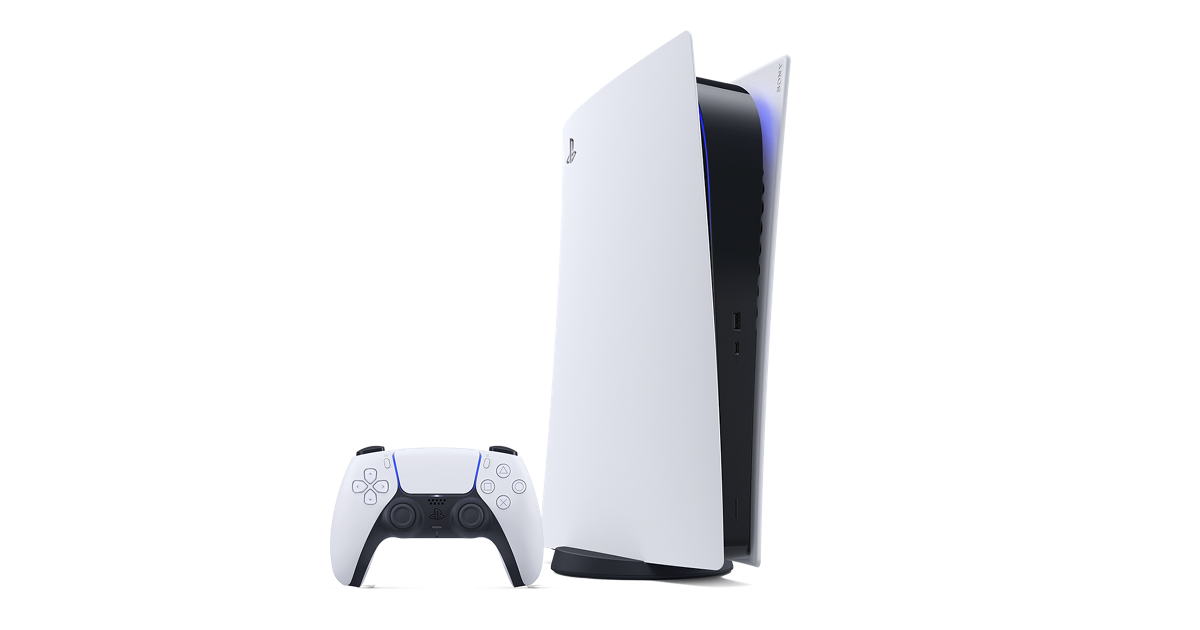
PS5 Accessory Categories
The PS5 accessory landscape can look scattered if every product is treated as a separate search. A stronger way to research it is to group accessories by intent. Controller pages answer input and comfort questions. Audio pages answer immersion and chat questions. Charging pages answer daily readiness questions. Storage pages answer library size and installation questions. Camera and remote pages answer streaming and entertainment questions. This hub connects those intents so a reader can move through the guide in a clear path instead of bouncing between unrelated pages.
How to Prioritize Accessories
The best accessory order depends on how the console is used. A solo player with one controller may need charging before buying a premium controller. A family setup may need a second DualSense before anything else. A player with a growing digital library may get more benefit from an M.2 SSD than a headset. A living-room entertainment setup may benefit from the Media Remote because it makes streaming apps easier for everyone in the house to use.
The quickest decision framework is simple: fix the bottleneck you notice every week. If controllers are dead when people want to play, consider charging. If storage warnings interrupt downloads, study the SSD guide. If chat audio is unclear, compare headset options. If you stream gameplay, review the camera and capture workflow. This makes accessory research practical rather than speculative.
Official Links and Independent Context
This site is an independent guide, so the role of each article is to explain the choice before sending readers to official PlayStation resources. Official pages remain the best source for current regional availability, package contents, support notes, and updated specifications. The guide pages add context around why a product category matters, which user need it solves, and what to check before relying on it in a specific setup.
That split is important for trust. Search visitors should not have to guess whether a link is commercial, affiliate, or official. The product directory and guide pages use direct official destinations where possible and explain when a page is a support resource rather than a product listing. Clear sourcing, visible explanations, and useful internal links are the foundation of the guide collection.
Where to Go Next
If you are choosing an input device, start with the controller guide and then compare DualSense with DualSense Edge. If you are upgrading comfort or communication, open the headset guide. If you are improving convenience, read the charging station guide. If you are running out of room, read the storage guide before buying an SSD because physical fit and heatsink requirements matter. If the console is part of a TV-first setup, read the Media Remote guide.
The goal is not to buy every accessory. The goal is to build a PS5 setup that feels ready when you sit down to play. A good accessory should reduce friction, improve comfort, or unlock a feature you will actually use. Use this hub as the map, then use the detailed pages as the evidence.
Related PS5 Accessory Guides
PS5 Accessories Guide FAQ
What is the best first PS5 accessory?
For most players, a second DualSense Wireless Controller or a charging station is the best first accessory because both improve everyday play. The right choice depends on whether you need multiplayer access or better controller readiness.
Are official PS5 accessories better than third-party accessories?
Official accessories are the easiest recommendation when compatibility, support, and PS5-specific features matter. Third-party products can be useful, but this guide focuses on official PlayStation pages and support resources.
Does every PS5 owner need an M.2 SSD?
No. You only need an M.2 SSD when your installed game library outgrows internal storage. If you delete and reinstall games easily, storage may be a later upgrade.
Should I buy DualSense Edge first?
DualSense Edge is best for players who actively customize controls. Most players should start with the standard DualSense and upgrade only if they need remapping, back buttons, profiles, or trigger-length changes.
Why does this guide link to official PlayStation pages?
Official PlayStation pages are the best source for current product details, availability, compatibility notes, and support updates. playstation5.co adds independent context before those official links.
Can one accessory improve every setup?
No single accessory fits every PS5 setup. The best accessory is the one that solves your most frequent friction point: input, audio, charging, storage, streaming, or media control.