Make Better PS5 Setup Decisions
Use a private, browser-based planner to prioritize storage, controllers, audio, and display checks—then verify the details with source-linked guides.
DualSense
Wireless Controller
Official pagePULSE 3D
Wireless Headset
Official pageHD Camera
Broadcast Setup
Official pageA four-part decision check
The setup planner turns these questions into a prioritized list and links each recommendation to an explanation or official support page.
Controllers
Count regular local players, then separate the need for an extra controller from the desire for advanced customization.
Audio
Check microphone input, chat balance, output device, and 3D Audio settings before replacing hardware.
Display
Confirm the television input, HDMI path, refresh rate, and HDR calibration before judging image quality.
Storage
Compare the games you want ready with actual free space, then check official M.2 requirements before buying.
A Useful Tool, Not Another Product List
PS5 Setup Planner
Enter your free storage, regular player count, and setup priorities. The planner creates a short checklist on your device and explains why each step matters. It does not collect answers or push a checkout.
Create a Setup Plan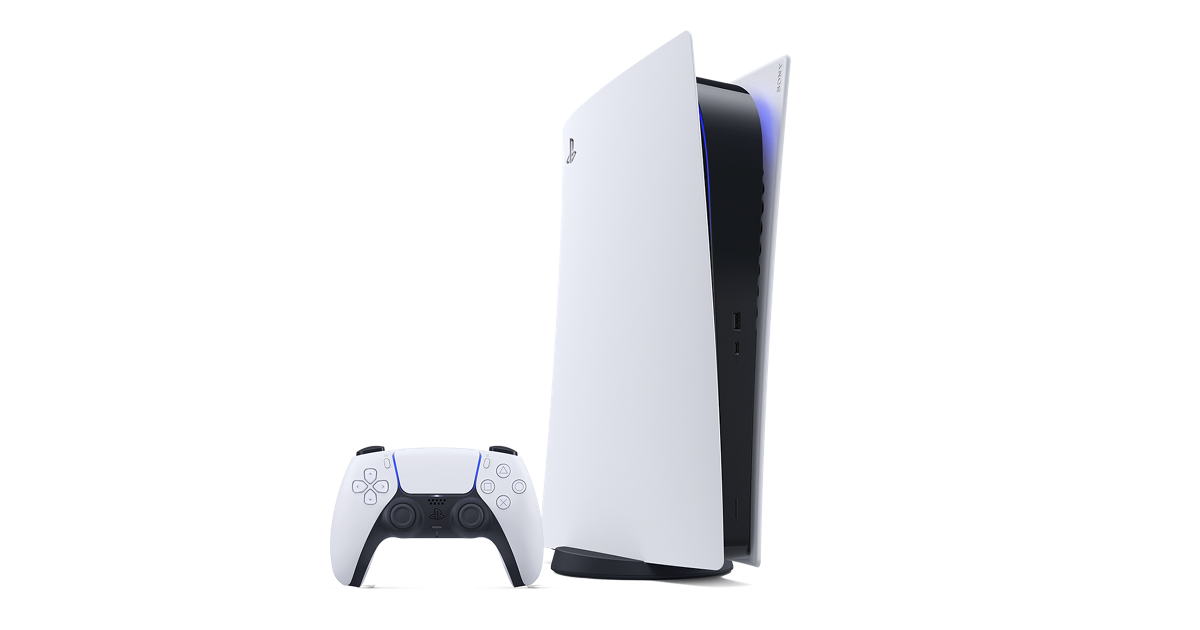
What the planner evaluates
Each result starts with a real setup constraint and keeps optional purchases below checks you can perform for free.
Focused PS5 Guides
PS5 Storage and SSD Guide
Compare deletion, USB storage, and internal M.2 expansion. The guide lists the official drive dimensions, capacity range, interface, cooling requirement, and recommended read speed before you shop.
Read the Storage Guide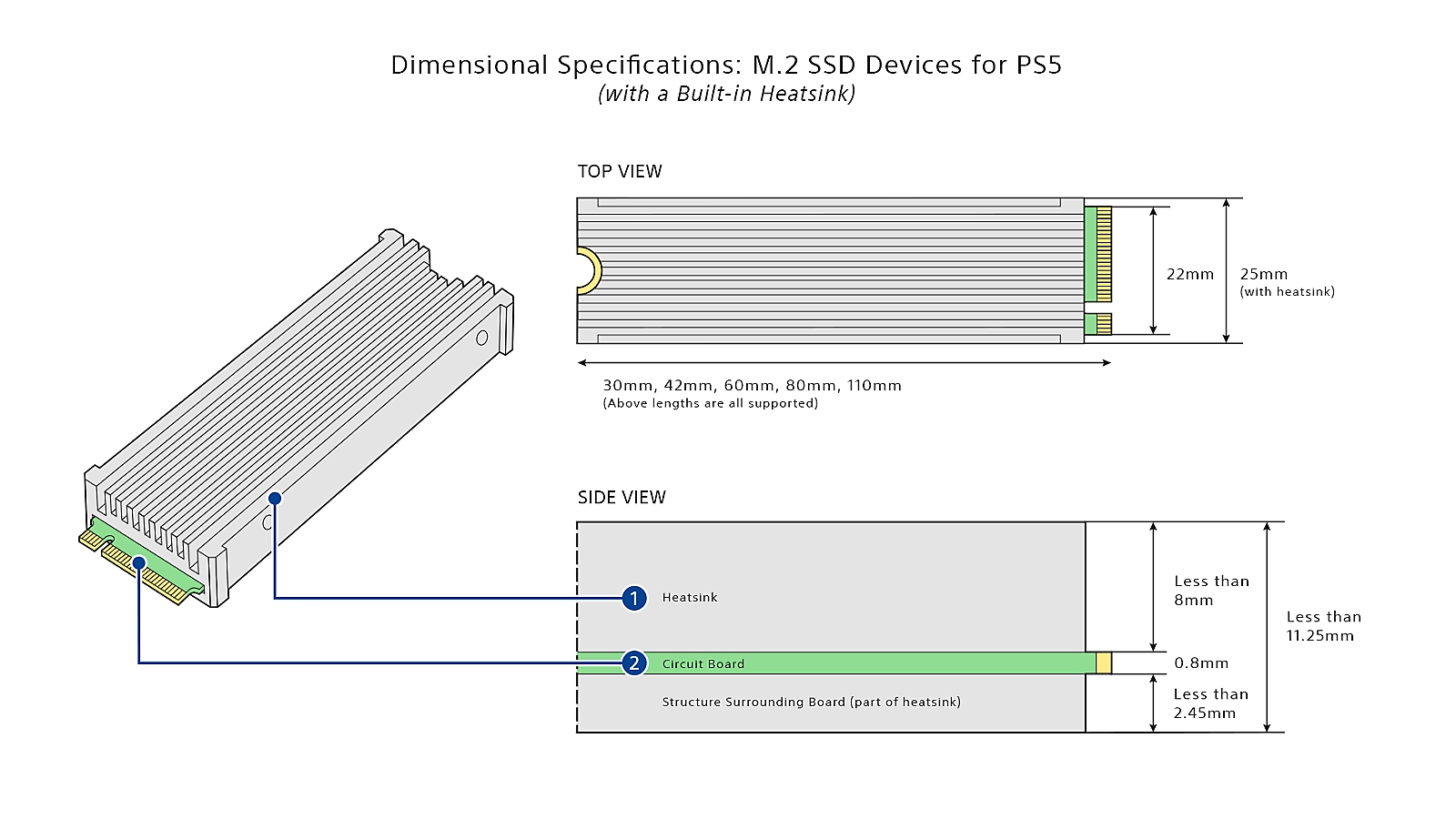
Choose a specific problem
These guides answer separate questions. Pages that repeated the same product facts have been consolidated into the strongest comparison or setup guide.
Official PS5 Link Directory
Filter a small directory of official PlayStation product and support destinations. Cards identify where a link goes; they are not paid placements or store listings.
GTA 6 on PS5: Confirmed Facts vs Setup Choices
Separate the confirmed November 19, 2026 release, editions, preload details, and PS5 Pro Enhanced label from display-mode claims that have not been published.
Read the GTA 6 Guide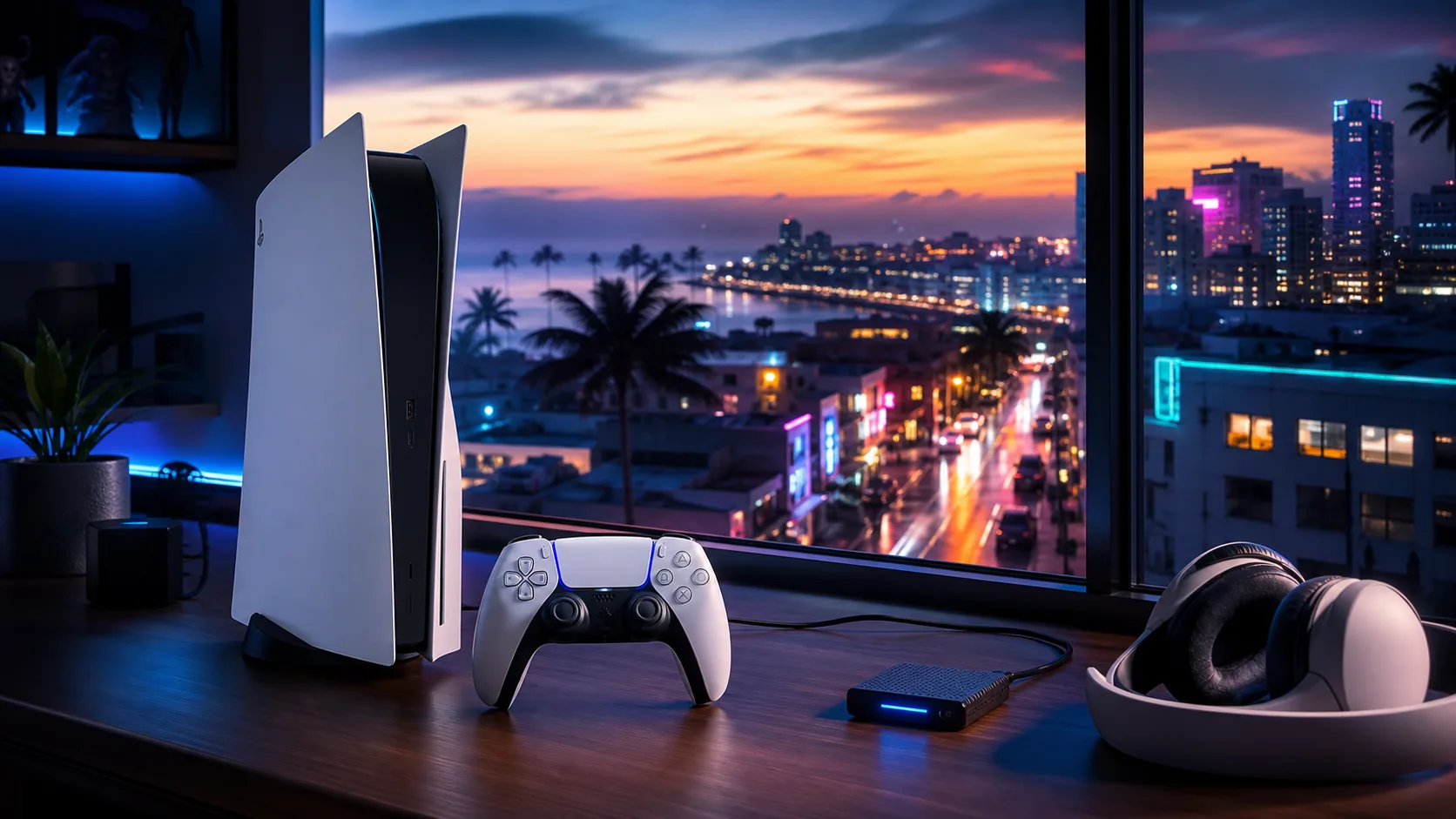
How This Site Earns Trust
Primary Sources
Changeable specifications and release facts link to PlayStation, Rockstar, or manufacturer documentation.
No Invented Testing
Desk research is labeled. Hands-on claims require named equipment, conditions, dates, and observations.
Corrections Welcome
Every guide names its editor and provides a direct route to report an outdated fact or broken source.
Commercial Clarity
The site currently uses no affiliate redirects, sponsored rankings, paid placements, or product checkout.