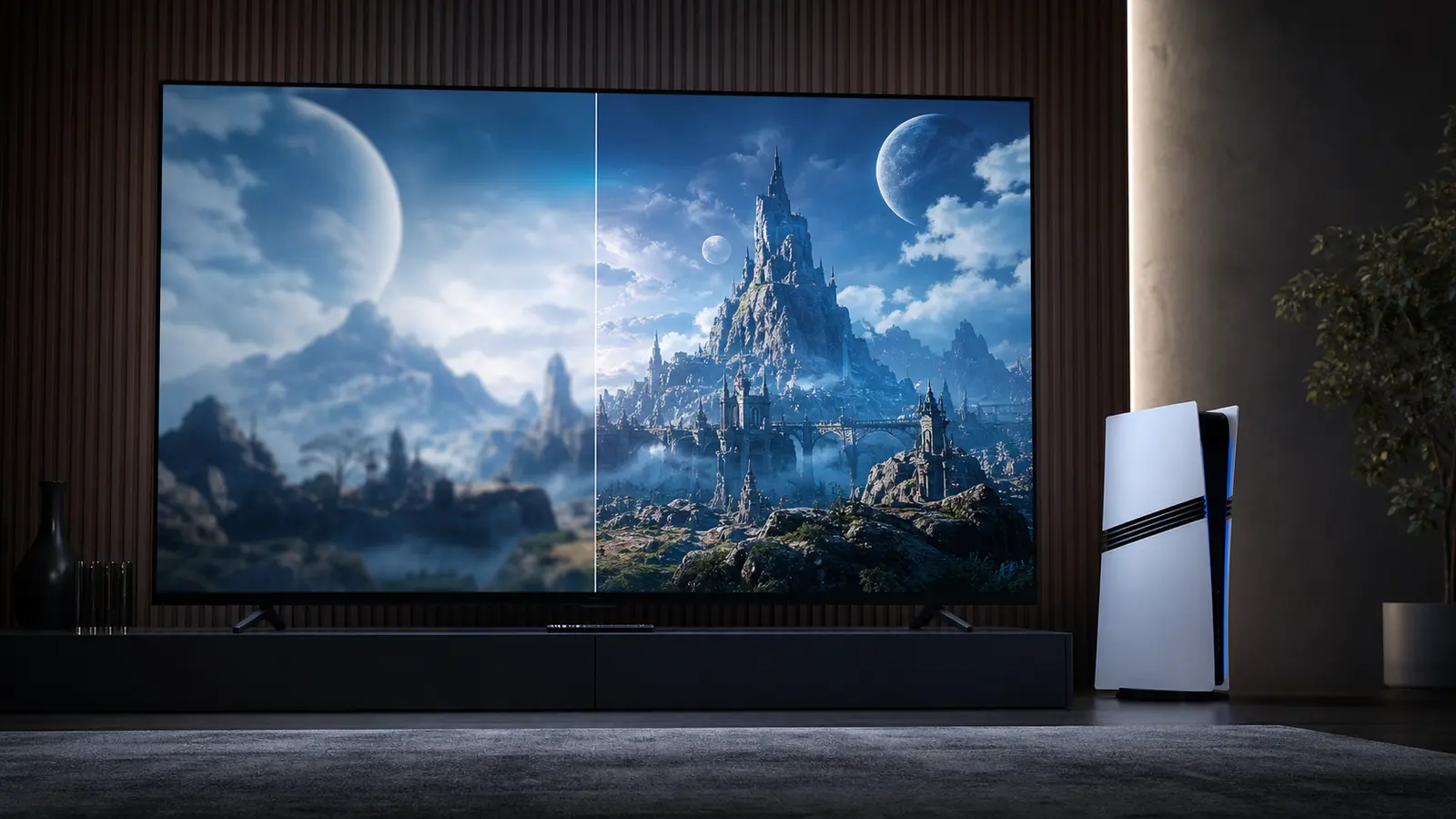
PSSR Is Image Reconstruction, Not a Magic Setting
PSSR stands for PlayStation Spectral Super Resolution. In simple terms, it is a PS5 Pro image-reconstruction technology that supported games can use to build a higher-quality image from the performance budget available to them. It is not a universal button that transforms every game in the same way, and it is not a promise that every title will suddenly run at one particular resolution or frame rate.
The useful way to think about it is as one tool in a developer's rendering toolkit. A developer may use it to help improve clarity, reduce shimmering, preserve detail while moving, or balance graphics features with performance. The official Update 4 notes for Doom: The Dark Ages describe an upgraded PSSR option on PS5 Pro, which is a concrete example of the technology appearing through game-specific support rather than a generic system-wide upgrade.
Why the Game Patch Matters More Than the Label
A PS5 Pro-enhanced label is a starting point, not the entire story. The outcome depends on what a developer has changed in that particular game and which mode you choose. One patch may prioritize a sharper image at a stable target, another may improve distant detail, and another may make a graphics mode more attractive. You need the game's own official patch notes or reliable technical testing to understand the actual tradeoffs.
This is why buying a PS5 Pro for one unpatched or not-yet-explained game can be premature. Look at the supported games you already play, not just the next big release. If several titles benefit in ways you notice on your display, the value case becomes much clearer. If your current PS5 looks and feels excellent in the games you play, you may be better served by storage, audio, or a well-calibrated TV first.
Set Up the Display Before Judging the Upgrade
A display can hide the benefit of better hardware. Start with the TV or monitor's game mode, use the HDMI input intended for high-bandwidth gaming, and check that the console is connected directly where possible. Then run the PS5 HDR calibration carefully. The goal is not to make every scene unnaturally bright. It is to keep highlight detail, shadow detail, and interface elements comfortable to view in your room.
Also consider viewing distance. The extra detail in a cleaner image is easier to notice on a larger 4K screen at a sensible distance than on a small screen across a room. This does not mean a modest display is bad. It simply means the value of any console upgrade is tied to the rest of the setup. The PS5 TV and HDR Settings Guide covers the baseline checks that cost nothing.
Choose Modes by What You Notice
When a game offers multiple PS5 Pro modes, spend ten minutes with each one in a demanding area. Move the camera slowly across foliage, fine patterns, distant buildings, particles, and bright signs. Then play normally for a few minutes. A mode that looks impressive in a paused screenshot may not feel better while you are controlling the game, and a smoother-feeling mode may be the best choice for you even if another option looks more detailed.
Do not force yourself to prefer the setting that sounds most advanced. Some players notice frame pacing first. Others care about image clarity, lighting, or distant detail. Your preferred mode can differ by genre too: a fast action game may favor response, while an exploration game can reward the presentation mode you find most pleasing. A good guide should help you decide, not tell you there is one universal winner.
Avoid Common Display Mistakes
Many disappointing setup reports are caused by settings outside the console. Motion smoothing, aggressive noise reduction, dynamic contrast, power-saving modes, or the wrong HDMI port can add blur, input lag, or inconsistent brightness. Turn on the display's game mode first. Then make changes one at a time and retest in the same scene so you can tell what actually improved.
For monitors, confirm the supported refresh rate and HDR behavior rather than assuming the box headline matches console use. For TVs, check whether a particular port has the full gaming feature set. If you use an AVR or soundbar, verify that it passes through the capability you need. None of this requires chasing maximum specs; it requires making sure the equipment you own is configured to do its job.
Decide on PS5 Pro With the Whole Setup in Mind
PS5 Pro makes the strongest case for players with a capable 4K HDR display, a library of supported games, and a real interest in picture quality or game-mode tradeoffs. It makes a weaker case when the console will only be used for one title, the display is the main limitation, or storage and accessories still create everyday friction. A thoughtful upgrade path often starts with free settings changes, then addresses storage or audio, and finally considers a console.
Use official PlayStation information for platform features and official game notes for game-specific support. Treat social posts, comparison thumbnails, and unverified performance claims as leads to investigate, not as a purchase decision. That restraint is valuable: it protects your budget and makes the eventual upgrade easier to appreciate when it genuinely suits the way you play.
Official Sources
These are the primary references used for PS5 Pro PSSR Explained. Check the relevant regional listing for availability, dates, patches, and membership terms.
Related PS5 Guides
Continue from PS5 Pro PSSR Explained only when one of these setup topics matches a problem you actually need to solve.
Frequently Asked Questions
What does PSSR stand for on PS5 Pro?
PSSR stands for PlayStation Spectral Super Resolution, a PS5 Pro image-reconstruction technology used by supported games.
Does PSSR work in every PS5 game?
No. The result depends on whether a specific game supports PS5 Pro enhancements and how its developer has implemented them.
Will PSSR always increase frame rate?
Not necessarily. Developers can use the available rendering budget in different ways, including image clarity, visual features, or performance balance.
Do I need a 4K TV for PS5 Pro?
A good 4K HDR display can make visual improvements easier to see, but the right upgrade decision depends on your display, library, and priorities.
Where can I verify a PS5 Pro enhancement?
Check the game's official patch notes or PlayStation page, then compare settings on your own display.