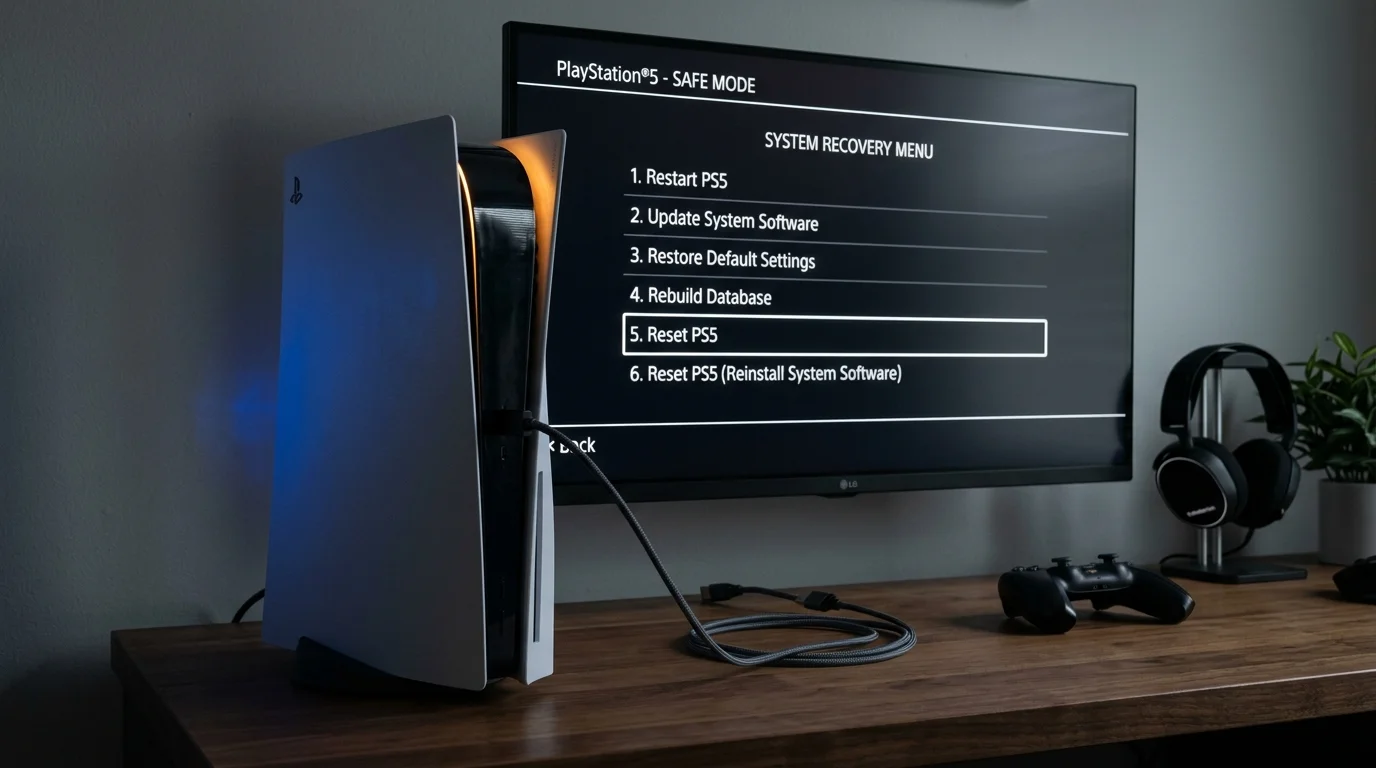
The Master PS5 Error Code Diagnostic Table
Identify your exact error code below for instant root cause diagnosis and verified troubleshooting steps:
| Error Code | Category | Primary Cause | Verified Solution |
|---|---|---|---|
| CE-108255-1 | Application Crash | Corrupted shader cache or digital license desync. | Restore licenses, update game patch, or rebuild database in Safe Mode. |
| WS-116521-6 | Server Error | PlayStation Network undergoing maintenance or handshake timeout. | Verify status.playstation.com; power-cycle router and assign Cloudflare DNS (1.1.1.1). |
| NW-102261-2 | Network Connection | Wi-Fi signal attenuation or router DHCP lease expiration. | Switch to 5GHz Wi-Fi band or connect direct Cat6 Ethernet cable. |
| CE-100005-6 | Disc / Install | Smudged Blu-ray disc or interrupted download stream. | Clean disc surface with microfiber cloth; cancel download and restart from Library. |
| CE-107857-8 | Corrupted File | Sudden power cut during background game installation. | Delete the partial file under Downloads, rebuild database, and re-download. |
| NP-102946-2 | Software Outdated | System firmware mismatch preventing online multiplayer. | Update PS5 system software under Settings > System > System Software Update. |
Fix 1: How to Restore Licenses (Resolves Crashes & Padlock Icons)
If you see a padlock icon next to games in your library, or games instantly crash back to the dashboard with error CE-108255-1, your console's cryptographic license token has expired or corrupted. Restoring licenses re-authenticates every digital purchase in under 30 seconds:
- From the PS5 home screen, select the Settings (gear icon) in the top right.
- Navigate to Users and Accounts > Other.
- Select Restore Licenses.
- Click Restore and wait for the progress bar to complete. All game entitlements will be refreshed with Sony authorization servers.
Fix 2: How to Boot in Safe Mode & Rebuild Database
Over months of downloading game patches, DLCs, and deleting titles, the internal SSD registry develops fragmented file indexes. Rebuilding the database scans the drive, reconstructs internal directories, and clears corrupted shader caches. It will NOT delete your game saves, accounts, or installed titles.
- Turn Off PS5: Press and hold the power button on the front of the console until the white power light stops blinking and powers completely off.
- Access Safe Mode: Press and hold the power button again. You will hear an initial beep. Continue holding for 7 seconds until you hear a second beep, then let go.
- Connect Controller: Plug your DualSense into the console using the USB-C cable and press the PS button.
- Execute Rebuild: Highlight Option 5: Clear Cache and Rebuild Database, select Rebuild Database, and confirm. The console will reboot and display a recovery progress bar that typically takes 2 to 10 minutes.
Fix 3: Optimal DNS Settings to Eliminate WS & NW Network Errors
Default Internet Service Provider (ISP) DNS servers frequently experience routing timeouts, causing errors like WS-116521-6 and NW-102261-2. Manually assigning enterprise DNS servers improves download stability and matchmaking connection times:
Cloudflare DNS (Lowest Latency)
- Primary DNS:
1.1.1.1 - Secondary DNS:
1.0.0.1 - Best for competitive multiplayer response and packet loss elimination.
Google Public DNS (Maximum Uptime)
- Primary DNS:
8.8.8.8 - Secondary DNS:
8.8.4.4 - Best for resolving PS Store timeout errors and game preload freezes.
Frequently Asked Questions
Does CE-108255-1 mean my PS5 hardware is broken?
In 95% of cases, no—it is a software exception caused by a corrupted game patch or license mismatch. However, if CE-108255-1 crashes occur across every single game within 2 minutes of booting (even after a database rebuild and full factory reset), it can indicate a GPU silicon defect that qualifies for free Sony warranty repair.
Why does my PS5 turn off suddenly without an error message?
If your console shuts down abruptly during demanding games without displaying an error code, the power supply unit (PSU) dust catcher is likely clogged, triggering thermal emergency shutdown. Remove the side plates and vacuum the dedicated PSU dust catchers.
Kevin Anderson
Hardware Specialist & Console Performance Editor
Kevin conducts hands-on console benchmarking, thermal stress testing, and system recovery diagnostics on retail PlayStation hardware. All troubleshooting protocols prioritize non-destructive file preservation.
Explore Related Troubleshooting Guides
Stick Drift Fix Guide
5 proven ways to repair DualSense thumbsticks without disassembly.
Free PSN Codes & Deals
Convert PlayStation Stars points into legal wallet credit.
GTA 6 Storage & Preload
Prepare your SSD for the 150GB+ install.
Interactive Setup Planner
Answer four quick questions for a personalized hardware roadmap.