Media and entertainment
PS5 Media Remote Guide
This guide explains when the PS5 Media Remote is useful and how it changes the console from a game-only device into a simpler entertainment hub.
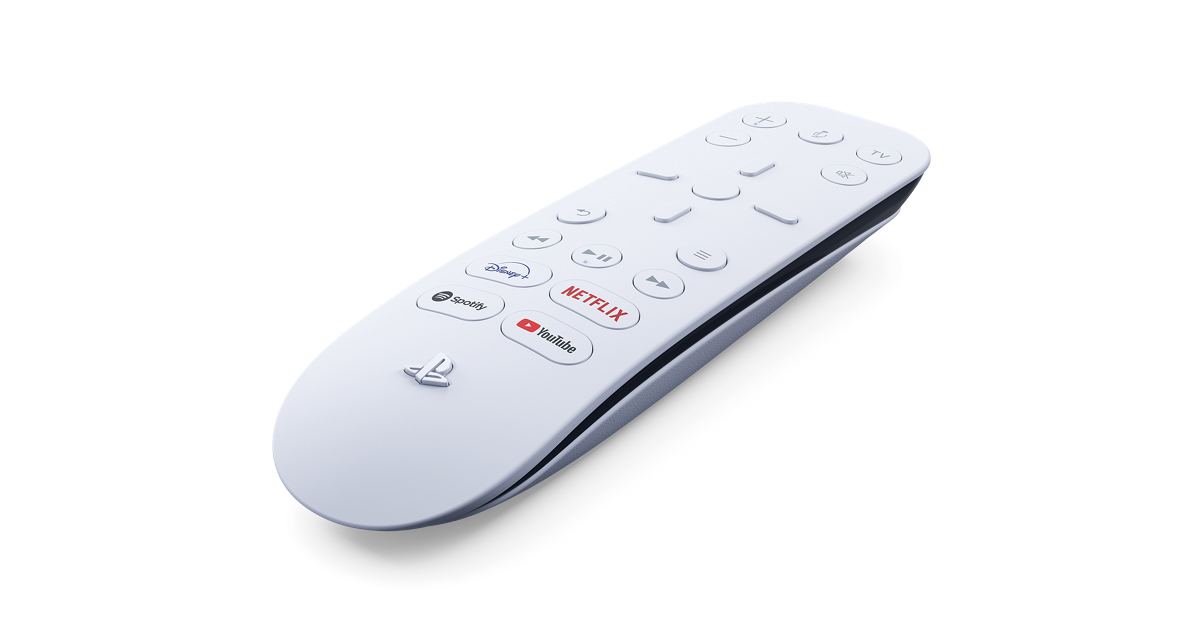
What the Media Remote Changes
A controller can control media, but it does not always feel natural for everyone in a household. The Media Remote makes PS5 entertainment feel more like a TV device. Play, pause, navigation, and app access are easier for people who do not game regularly. That matters when the PS5 is connected to the main living-room TV and used by family members, guests, or roommates.
The remote does not make games better. It makes the console easier to use when the goal is not gaming. That is why it belongs in a different category from controllers, headsets, or storage. It is an accessory for shared entertainment behavior.
Best Use Cases
The Media Remote is strongest in households where PS5 doubles as a streaming box. If people use apps regularly, watch films, or navigate entertainment menus more often than they play games, the remote can reduce friction. It also helps when the controller is charging, paired to a different user, or simply not something a non-gamer wants to pick up.
It is less important for bedroom setups or game-focused desks where the controller is always nearby. In those environments, the controller is already the natural input device. The remote shines when PS5 is part of a TV-first space.
Controller vs Remote for Entertainment
Using a controller for streaming is fine, but it has small annoyances. It may turn on with a user profile, drain battery, require people to understand gamepad buttons, or be misplaced after play. A remote has a clearer role. It sits near the TV and does one job. That simplicity is valuable in a shared room.
The decision should be based on who uses the console. If only one player uses PS5, a remote may be optional. If several people use PS5 for apps, the remote can make the console feel less like one person’s gaming device and more like a household entertainment device.
Setup and Expectations
Before buying, check the official PlayStation page for current button layout, supported app shortcuts, compatibility, and regional details. Streaming services and app availability can change. Some buttons may be more useful in one region or household than another. The remote should be evaluated as a convenience accessory, not a guarantee that every app behavior will match a dedicated streaming device.
Place the remote where TV remotes already live. The accessory only helps if people can find it. If it ends up in a drawer, the controller will remain the default. The habit and location are part of the setup.
How It Fits the Full PS5 Setup
The Media Remote pairs naturally with the headset and camera guides because all three are about how the console is used beyond pure gameplay. Audio affects shared and private viewing. Camera accessories affect creator use. The remote affects entertainment control. Together, they show how PS5 can be a living-room hub rather than only a game box.
For a purchase order, the remote usually comes after essentials. Buy controllers, storage, charging, or audio first if those are causing real friction. Buy the remote when media control is the recurring annoyance.
Editorial Method and Update Notes
This PS5 Media Remote Guide page is written as independent editorial guidance, not as a product listing or checkout page. The goal is to answer the main search question first, explain the tradeoffs in plain language, and then point readers toward official PlayStation resources for current product details. That approach keeps the guide useful even when colors, regional availability, bundles, or support wording changes over time.
Related PS5 Accessory Guides
PS5 Media Remote Guide FAQ
Do I need the PS5 Media Remote to watch streaming apps?
No. A controller can navigate media apps. The remote is for convenience and shared living-room usability.
Who benefits most from the Media Remote?
Households that use PS5 for streaming apps, movies, or TV-style viewing benefit most, especially when non-gamers use the console.
Is the Media Remote useful for games?
No. It is not a gameplay accessory. It is designed for entertainment controls and media navigation.
Should I buy a Media Remote before a second controller?
Usually no. A second controller is more important if local multiplayer matters. Buy the remote when media control is the main friction.
Can app shortcut buttons change by region?
App availability and shortcut usefulness can vary, so check the official PlayStation product page for current details.
Where should I confirm Media Remote details?
Use the official PlayStation Media Remote product page for current features, availability, and compatibility notes.